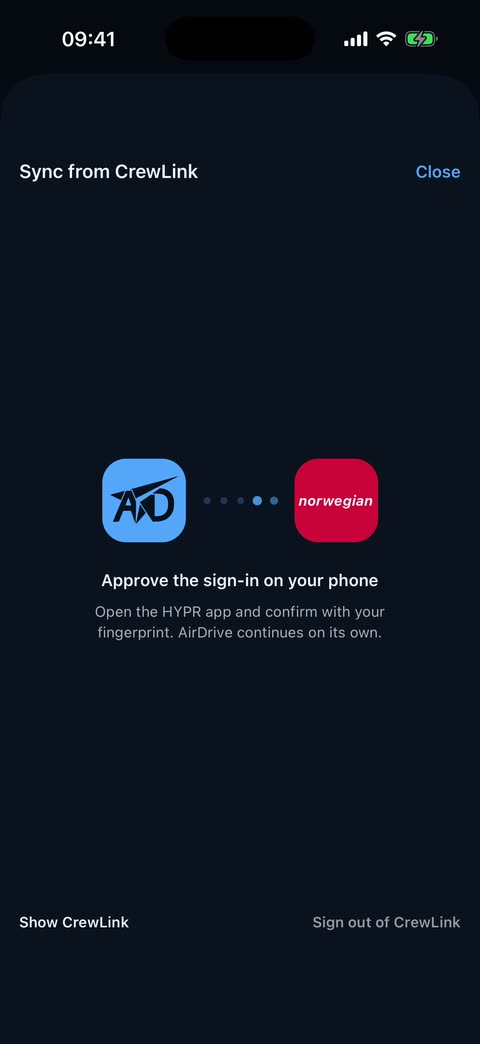
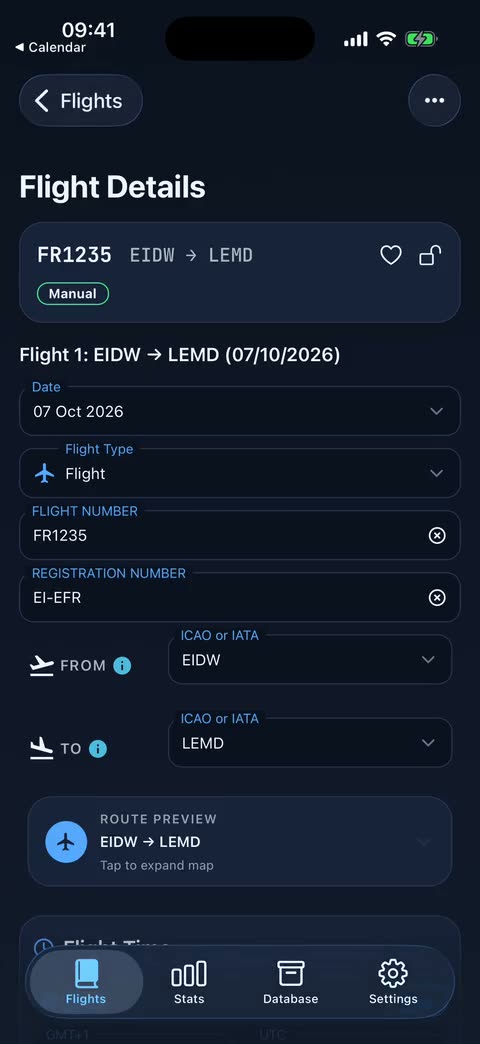
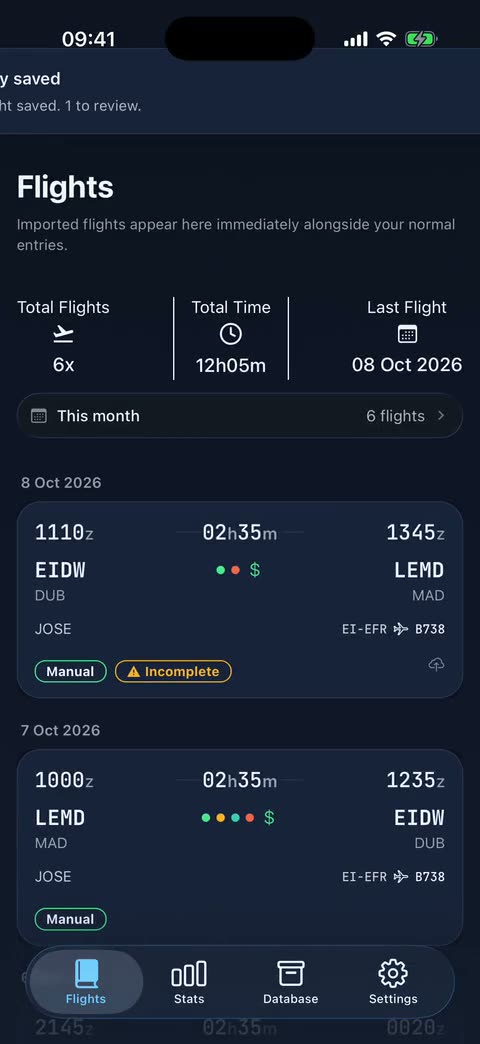
Sync from CrewLink
Enter your HYPR username, only the username and never a password, then approve the access in the HYPR app on your phone. AirDrive opens the Duty Plan, generates the report and reads it.
Review before it lands
You see the period, standby, days off, training and flights found, and a Before importing summary tells you which flights you already had.
Or use the PDFs
If you prefer, import the Duty Plan and Flight Time Record PDFs instead.
Salary, FTL and currency
Norwegian payslip estimate follows your scale level, and the logbook tracks EASA limits and the ones your operator sets.
Frequently asked questions
Does AirDrive store my password?
No. You only enter your username and approve the login in the HYPR app.
Is it finished?
CrewLink sync is in beta and Premium. Review the flights before confirming.
Is AirDrive free?
The complete legal logbook, with no flight limit, is free. Airline roster imports, email import, salary and other automation are Premium.