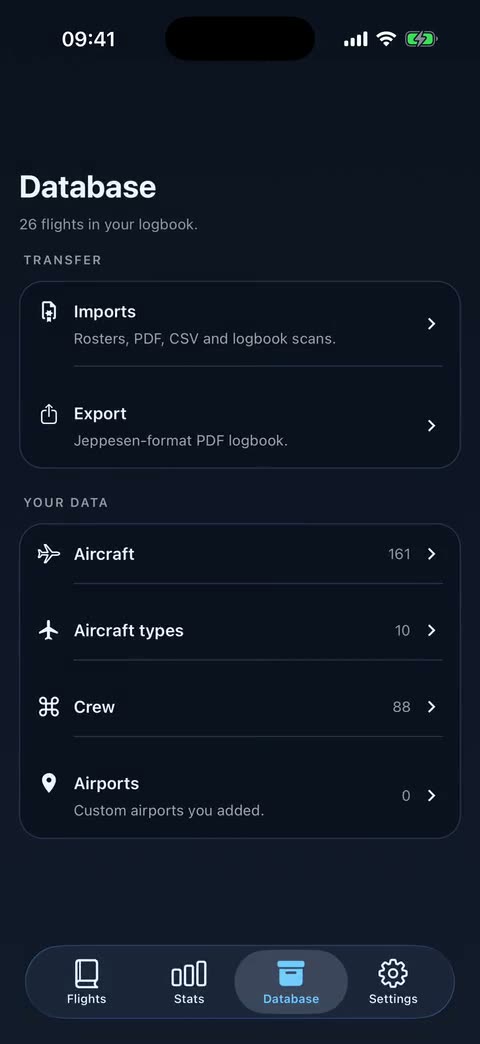
From a screenshot to your logbook
Choose the roster screenshot from your library or take a photo. AirDrive recognises your crew code, the dates, how many duty, standby and days off, and the published and planned flights.
Published or planned
Pick Published only, the recommended option, or Published plus planned flights before continuing.
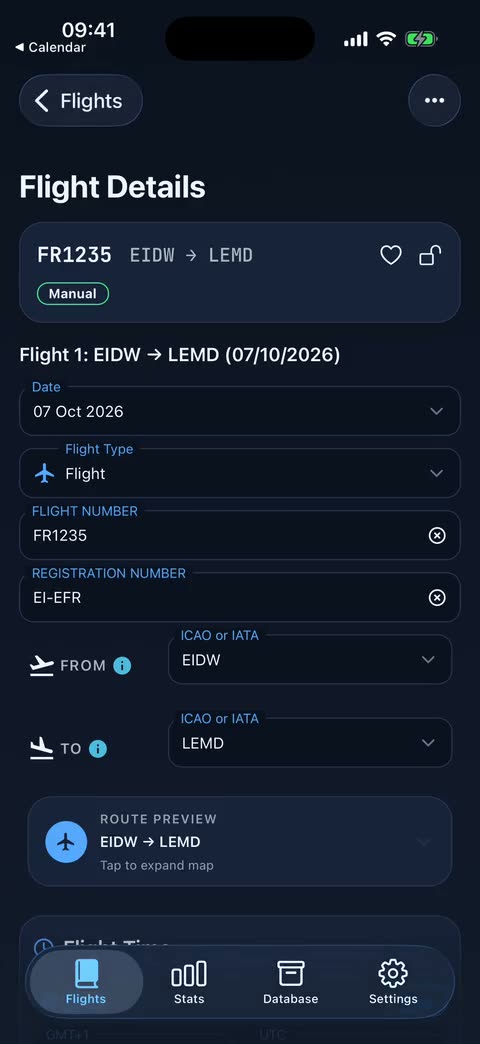
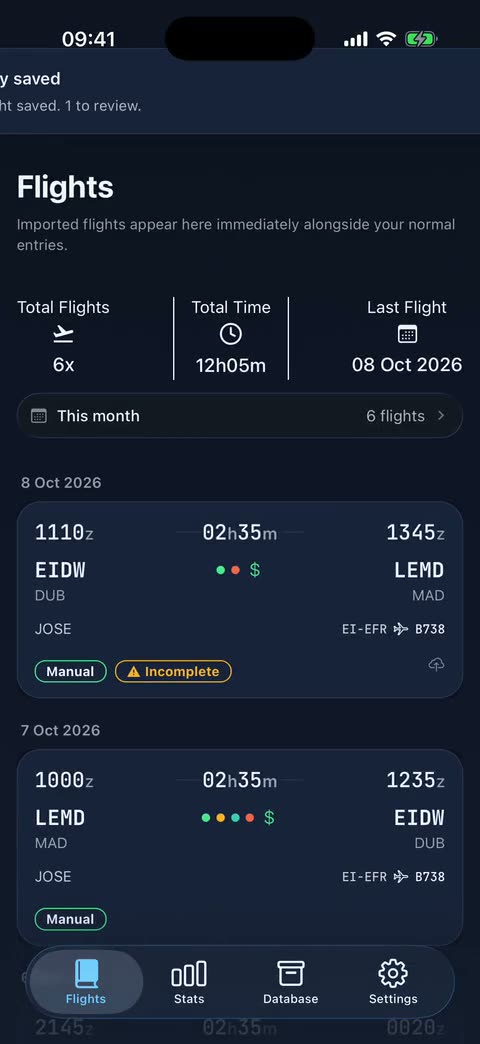
You review what is missing
The roster does not include the registration, so each flight shows what it still needs and you complete it before confirming.
Processed on your device
The image is read on your device and the original file is never uploaded.
If the roster changes
Import it again: a Before importing card shows which flights you already have, which changed and which are gone.
Frequently asked questions
Is the roster photo import finished?
It is in beta and Premium. Review each flight before confirming.
Is my screenshot uploaded?
No. The image is processed on your device.
Is AirDrive free?
The complete legal logbook, with no flight limit, is free. Airline roster imports, email import, salary and other automation are Premium.